Email invoices get buried. PDF attachments go unopened. Payment reminders feel aggressive. But a WhatsApp message? That gets read within 3 minutes. Here's why businesses are moving their invoicing to WhatsApp — and how to do it right.
Why WhatsApp for invoicing?
The numbers speak for themselves:
- 98% open rate — WhatsApp messages are read almost immediately, compared to 20% for email
- 500M+ users in India — your customers are already on WhatsApp daily
- Instant delivery — no spam folders, no delays, no "I didn't see it"
- Two-way communication — customers can reply with questions instead of ignoring the invoice
For SMBs and freelancers who send 10-100 invoices per month, WhatsApp is the fastest path from "invoice sent" to "payment received."
The traditional invoicing workflow (and why it's broken)
- Open Excel or Word
- Copy-paste a previous invoice template
- Manually update items, amounts, dates
- Export as PDF
- Email it to the client
- Wait... and wait
- Send a follow-up email that also gets ignored
- Call the client to ask about payment
This process takes 15-30 minutes per invoice and has no tracking. You don't know if the client saw it, opened it, or forgot about it.
How AI + WhatsApp changes this
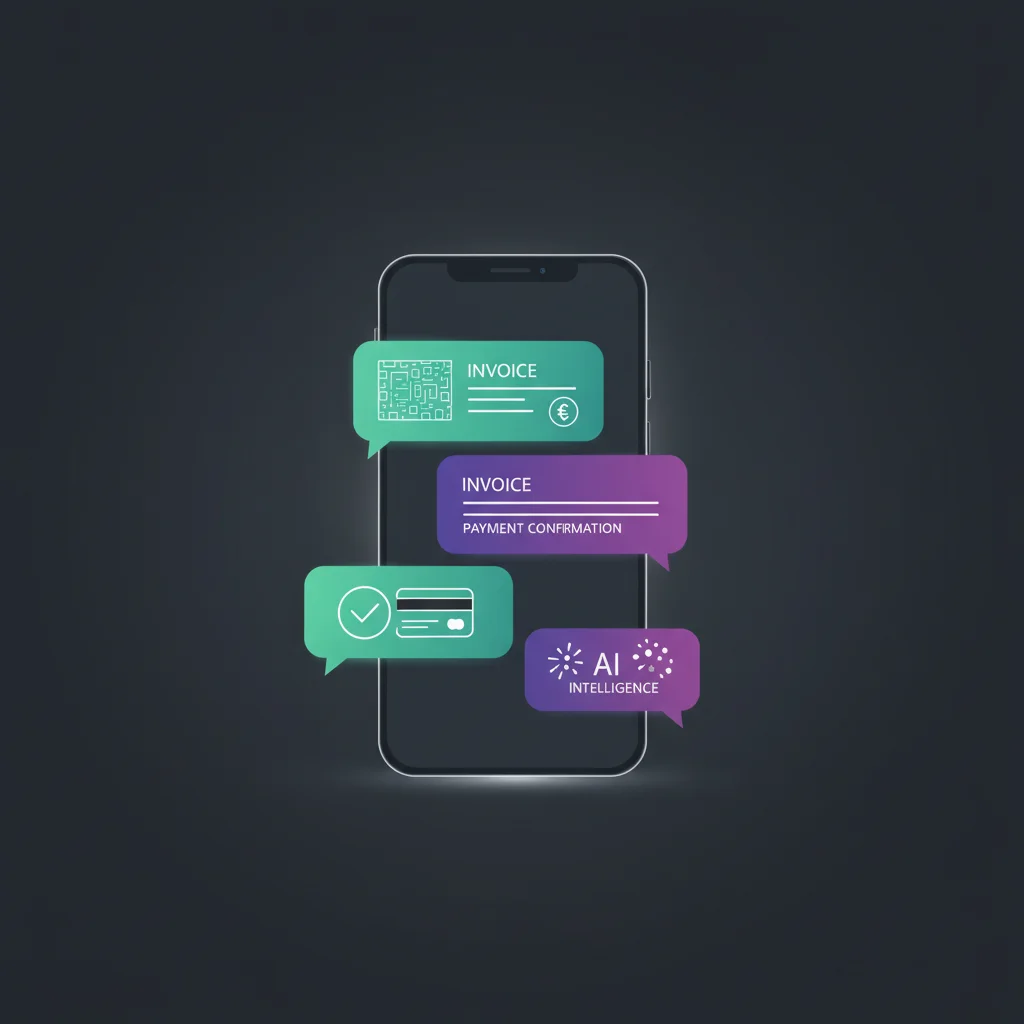
With SaaSter Invoice, the workflow becomes:
- Tell AI what you need — "Invoice for 10 hours of web design at ₹2,000/hr"
- AI generates the invoice — professional format, your branding, correct tax calculations
- Send on WhatsApp — one click, delivered instantly to the client
- Track automatically — see when it's delivered, read, and paid
- Auto-reminders — overdue invoices get follow-up messages on your schedule
Total time: under 60 seconds. No templates to manage, no PDFs to export, no emails to send.
Try SaaSter Invoice free
Get startedStep-by-step: getting started with WhatsApp invoicing
1. Sign up for SaaSter Invoice
Create your free account. The Starter plan gives you 20 invoices per month at no cost — enough to try it with real clients.
2. Set up your business profile
Add your business name, logo, GST number, and bank details. These appear automatically on every invoice.
3. Create your first invoice
Type a description of what you're billing for, or pick from your saved templates. AI fills in the details — you just review and approve.
4. Send via WhatsApp
Enter the client's phone number and hit send. They receive a professionally formatted invoice in their WhatsApp chat — with a payment link if you've connected a payment gateway.
5. Set up auto-reminders
Configure when to send payment reminders — 3 days before due, on due date, 7 days after. The system handles follow-ups so you don't have to.
Best practices
- Send invoices the same day — the sooner you invoice, the sooner you get paid
- Include payment links — reduce friction by letting clients pay in one tap
- Keep descriptions clear — "Web design - April 2025 (10 hrs)" is better than "Services rendered"
- Use auto-reminders — polite, consistent follow-ups get better results than manual chasing
WhatsApp invoicing isn't the future — it's already how businesses in India communicate with customers. The only question is whether you're doing it manually or letting AI handle it for you.