If your school still manages admissions in Excel, tracks attendance on paper registers, and sends fee reminders through WhatsApp groups — you're not alone. Most schools in India operate this way. But in 2025, there's a better path.
Why schools are going digital
The shift isn't about technology for technology's sake. It's about solving real problems:
- Lost data — Excel files get corrupted. Paper registers get damaged. Student records from 3 years ago? Good luck finding them.
- Parent frustration — parents want to know if their child attended school today, not yesterday. They want fee receipts instantly, not after chasing the accountant.
- Staff overload — teachers spend hours on administrative tasks that could be automated, taking time away from actual teaching.
- Fee collection delays — without automated reminders, schools chase payments manually. This is awkward, time-consuming, and often ineffective.
What to digitize first
You don't need to digitize everything at once. Start with the areas that cause the most pain:
1. Fee collection (biggest impact)
This is where most schools see immediate ROI. A digital fee system gives you:
- Online payment links — parents pay from their phone
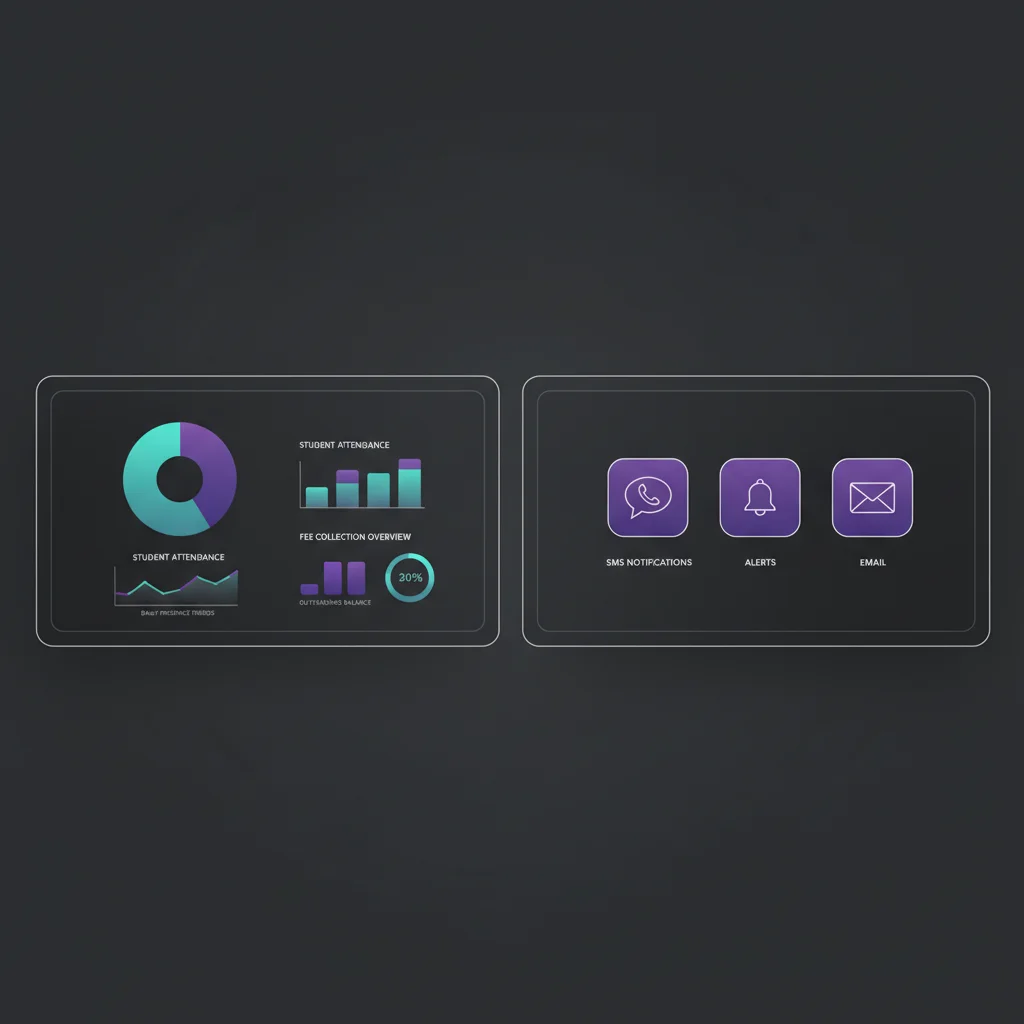
- Automatic SMS receipts — no manual receipt books
- Overdue reminders — sent automatically, no awkward conversations
- Real-time collection reports — know exactly how much is pending
Schools that digitize fee collection typically see a 30-40% reduction in overdue payments within the first 3 months.
2. Attendance tracking
Digital attendance takes 2 minutes per class instead of 10. The real value is what happens after — parents get an instant SMS when their child is absent. No more end-of-day surprise calls.
3. Admissions
Online admission forms eliminate paper applications, manual data entry, and lost documents. Parents fill out a form on their phone. The system collects documents, allocates seats, and sends confirmation — all automatically.
4. Report cards
Generating report cards manually for 500 students takes days. A digital system does it in minutes — enter grades, select the format, generate and distribute via SMS. Done.
Try SaaSter School free
Get startedCommon concerns (and why they shouldn't stop you)
"Our staff isn't tech-savvy"
If they can use WhatsApp, they can use a school management app. Modern tools are designed to be as simple as sending a message. The interface should require zero training — if it needs a manual, it's the wrong tool.
"It's too expensive"
Enterprise school management systems charge ₹5-10 lakh per year. That's out of reach for most schools. But newer SaaS tools like SaaSter School start free for up to 50 students, with Pro plans under ₹1,000/month. The cost of one clerk's monthly salary pays for the entire system.
"What about internet connectivity?"
This is why SMS matters. SMS doesn't need internet — it works on any phone, in any area. A school management system powered by SMS ensures every parent receives updates, regardless of their smartphone or internet situation.
How to get started
Here's a practical 3-step plan:
- Pick one area to digitize first — fee collection is the easiest win. Start there.
- Choose a tool that fits your budget — avoid anything that requires upfront payments, long contracts, or on-premise installation. Look for SaaS tools with free tiers.
- Run it alongside your existing system for one month — don't switch overnight. Run both systems in parallel for a month, then cut over when you're confident.
Digitizing school administration isn't a luxury anymore — it's a necessity. The schools that make the switch now will spend less time on paperwork and more time on education. And that's the whole point.